A kitchen table with a gallon zip bag holding folded paper documents, a passport, a small USB drive, a phone showing a scanning app and a ring binder labeled only by color.
Backing up your documents for an evacuation: digital and paper
Important documents for evacuation: which to copy now, how to store the scans safely in two places, and the paper set that lives in a zip bag in the go-bag.
The finished set: scans in two places, and a paper copy in a zip bag that goes in the go-bag.
Do it in one evening: scan or photograph the important documents below that you would need in an evacuation, store the files in two encrypted places, share access with one trusted person, and print a paper set into a gallon zip bag that lives in the go-bag. The whole job takes two to three hours the first time and half an hour a year after that. It is the week-one paperwork job in the first 30 days, written out in full.
The reason to do it now rather than when the evacuation order comes is that you will have perhaps an hour, possibly ten minutes, and the deed will be in a drawer upstairs. After a fire or flood, these papers are how you prove who you are, what you own, what you are insured for and what medicine you take. Insurers, FEMA and banks all ask for them, usually in the first week.
The list: important documents for an evacuation
Work through it with a pen. Not every household has every item.
Group
Documents
Why you’ll need it
Identity
Driver’s licenses, passports, birth certificates, Social Security cards, marriage or divorce papers, adoption and custody papers, immigration documents, military ID or discharge papers
Proving who you are to shelters, insurers, banks and FEMA
Insurance
Home or renters policy, flood policy, car, health, life; the declarations page and the agent’s phone number
Starting a claim on day one
Property
Deed or lease, mortgage statement, vehicle titles and registrations, boat or trailer titles
Proving ownership and occupancy for claims and aid
Medical
Prescription list with doses and prescriber, insurance cards, vaccination records, allergy and condition list, glasses prescription, pet vaccination records
Refilling medicine away from home; shelters and kennels require pet records
Money
Bank and card account numbers and the issuers’ phone numbers, recent tax return, pay stubs, benefits letters
Reaching accounts with no wallet; applying for aid
People and pets
A recent photo of each family member and each pet, with name, age, height and weight on the back
Finding someone who gets separated; reclaiming a lost pet
Contacts
A written list of phone numbers and addresses, including an out-of-area contact and your meeting point
When the phone is dead or lost
Home inventory
A video walk-through of every room, opening closets and drawers, plus receipts for big items
Making a contents claim without guessing
The home inventory video
This is the item most people skip, and the one that most changes the outcome of a claim. Walk through the house slowly with your phone recording. Open every closet, cabinet and drawer. Say what things are as you film them (“TV, bought 2024, about $600”). Do the garage, the shed and the basement, and photograph serial numbers on electronics and appliances. It takes forty minutes for a three-bedroom house. Upload it with the rest.
Scanning: good enough is good enough
A phone scanning app, or the scan feature built into your phone’s notes or files app, produces a clean PDF in seconds. Rules that save trouble later:
Both sides of every card and ID.
One file per document, named so you can find it on a small screen: 2026-passport-alex.pdf, home-insurance-declarations.pdf.
Folders by group, matching the table above.
Check each scan is legible before you put the original away.
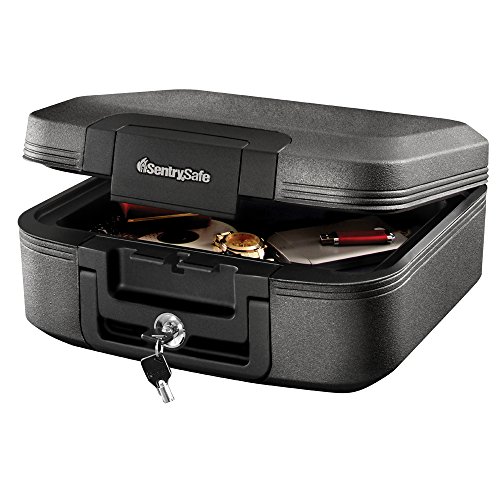
Copies are not originals. A scan of a birth certificate or a title won’t replace the original for every purpose, but it makes ordering a replacement far faster, and insurers and aid agencies usually accept copies to get a claim started. Keep the originals in a fire-resistant document bag or safe at home, or a bank safe-deposit box for the ones you rarely need.
A phone scan is enough. Both sides of every card, one file per document, and a name you can read on a small screen.
Digital storage: encrypted, in two places, shared with one person
The files contain everything someone needs to steal your identity, so they need protecting as carefully as they need backing up.
Where
Pros
Cons
Cost
Cloud storage with strong account security
Reachable from any phone, anywhere
Only as safe as the account’s password and two-factor
Free–$3 a month
Password manager’s secure file or document storage
Encrypted, shared easily with family
Storage limits; you need the master password
Often included in a family plan
Encrypted USB drive
Works with no internet
Can be lost; needs a computer to read; drives fail
$20–60
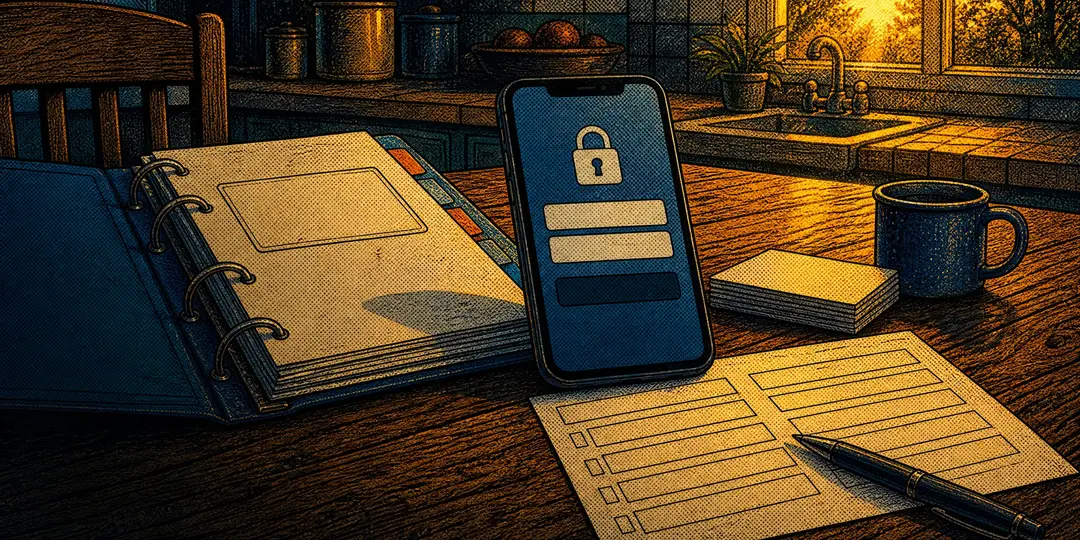
Use two of them: a cloud copy you can reach from a borrowed phone, and a USB drive in the go-bag or with a relative. The cloud account must be locked down first, with a strong password, two-factor sign-in and printed recovery codes; the five-minute account lockdown is the order to do that in. If your cloud service offers an extra-protected or encrypted folder, put these files in it.
For a USB drive, either buy one with hardware encryption or use the encryption built into your computer’s operating system to create an encrypted drive. Write the password on the recovery sheet that lives in the paper set, not on the drive.
Share access with one trusted person who lives somewhere else: a sibling, a parent, a close friend. Most cloud services and password managers let you share a single folder. If your house burns and your phone is in it, that person can send you what you need. Tell them what the folder is for and that it holds sensitive information.
The paper set: a zip bag in the bag
The digital copy needs a working phone, a charge and a signal. The paper set needs none of them. Print:
Copies of each ID and insurance card, both sides.
The insurance declarations pages and the agent’s phone number.
The prescription list.
The photos of each person and pet.
The contact list and the meeting point.
The account recovery sheet from the lockdown, with codes.
A copy of the deed or lease.
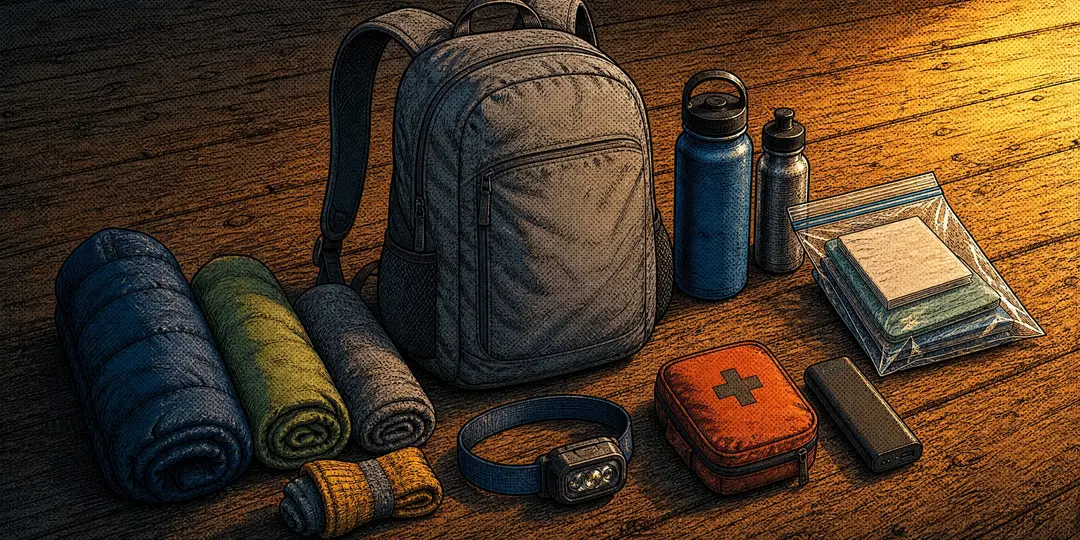
Fold it into a gallon (3.8 L) zip-top freezer bag, squeeze the air out, and put it in the go-bag, against the back panel where it stays flat and dry. The 15 lb bug out bag has a slot for it. Add $100–200 in small bills in the same bag if you can; card readers don’t work in a power outage.
"The paper copy is the one that works with a dead phone, no signal and a stranger’s kitchen table."
Why the zip bag matters
This paper set is sensitive. Keep the go-bag somewhere private in the house, and if you would rather not keep Social Security numbers in it, leave those cards out; the rest does most of the work.
The annual refresh
Pick a fixed date, the same as one of your twice-yearly water and pantry checks, and spend half an hour:
Replace any expired IDs, policies and cards in the paper set.
Update the prescription list and the photos of the children, who change faster than the documents do.
Re-shoot the home inventory video if you bought anything big.
Check the cloud folder opens from a different device and the USB drive still reads.
Confirm the trusted person still has access and still knows what it is.
Also update after a big change: a new car, a new policy, a new baby, a move. Put the reminder on the calendar now.
Quick answers
What documents should I take in an evacuation?
Take copies of ID, insurance policies and cards, the deed or lease, vehicle titles, a prescription list, bank and card phone numbers, a recent photo of each person and pet, and a contact list with your meeting point. Keep originals in a fire-resistant bag or safe at home, scans in two encrypted places, and a printed set in a zip bag in the go-bag.
Where should I store digital copies of important documents?
In two places: an encrypted cloud folder you can reach from a borrowed phone, and an encrypted USB drive in the go-bag or with a relative. Lock down the cloud account first with a strong password, two-factor sign-in and printed recovery codes, and share the folder with one trusted person who lives somewhere else.
Will insurers accept copies of documents after a disaster?
Usually, to get a claim started. Insurers and aid agencies generally accept scans or photocopies at first, and a copy makes ordering a replacement far faster, but a copy of a birth certificate or vehicle title won’t replace the original for every purpose. Keep the originals in a fire-resistant document bag, a safe or a bank safe-deposit box.
What is a home inventory video for insurance?
It is a slow phone recording of every room in the house, with closets, cabinets and drawers opened and items named as you film, plus photos of serial numbers on electronics and appliances. It takes about forty minutes for a three-bedroom house and lets you make a contents insurance claim without guessing. Upload it with your other document scans.
Printable
Getting started inventory checklist (PDF, 1 page). Week 1 includes the document scans and the paper set in a zip bag, with checkboxes.
Picks that match the specs in this guide, from makers with a track record. We haven't tested them yet. As an Amazon Associate we earn from qualifying purchases, at no cost to you. Add what you need to my list, then send the whole list to your Amazon cart all at once. Prices and availability are accurate as of the date and time shown and are subject to change. The price and availability shown on Amazon.com at the time of purchase will apply.
Kingston
Kingston IronKey Vault Privacy 50, 16GB Encrypted USB
A hardware-encrypted USB drive (AES-256) for the scans, readable with no internet.
Black Friday Deal
$64.99$81.99 on Amazon as of Nov 24, 7:06 a.m. CT
Good to know: Write the password on the recovery sheet in the paper set, not on the drive.
Shane is a disabled US Army veteran who served as an M1A1 tank crewman, then spent his career in technology and manufacturing supply chains, keeping parts moving through COVID. He, his wife Heather and their three kids have ridden out tornadoes, the February 2021 Texas freeze, the 2026 floods in Northeast Texas and power outages that lasted days. He started Prepping Expert to give families the plain, affordable, step-by-step version he wished he'd had.
Five settings secure your online accounts in about five minutes each: password manager, two-factor on email and bank, printed recovery codes and a credit freeze.
Safe gun storage with kids in the house: locks and safes with prices, the same rule for medicines and chemicals, and the question to ask before a playdate.




 4
Comments
No comments yet. Read the comment guidelines before posting.